Selection & Case Study
Selection case: adding voice and RGB-D interaction without weakening safety
A reference architecture for a stationary or supervised robot that combines voice interaction, local RGB-D perception and a host-controlled action workflow.
The case: a demonstrator must hear, see and explain
A lab or showroom robot may need to greet a person, hear a constrained command, observe an object or person in front of it, and show a safe, understandable response. The central design question is not how many AI features fit in the box; it is which component owns each decision.
The recommended first scope is stationary or directly supervised interaction. Voice requests and vision observations can inform the host application, while physical motion remains subject to independent controller checks and an accessible stop method.
Reference product roles
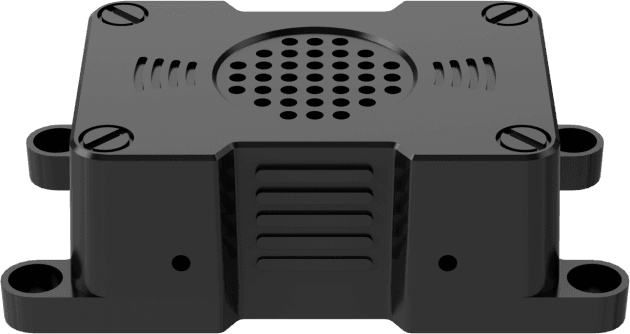
HW-WONDERECHO-PRO supplies a USB audio and command-wake front end with microphone, speaker and CI1302 processor. Its vocabulary and language follow flashed firmware. HW-AURORA930-PRO supplies aligned RGB-D streams for local geometry and visual application inputs.
HW-RPI5-8GB runs the host application, ROS 2 nodes and any approved local or network services. HW-RRC-LITE is the possible real-time interface to actuators, but it does not make a language model, camera result or voice phrase safe by itself.
Make the data paths explicit
Voice audio travels through USB to a host audio/application layer. RGB-D data travels through the camera driver to an image/depth consumer. Each route needs device identity, power, timestamps, health status and a failure response.
The host should turn those inputs into a small set of application intents such as display information, play a response, request operator approval or start a non-motion demo. A direct audio-to-motor or vision-to-motor path is not a defensible default.
Test environment, not only a desk
Test WonderEcho Pro at its actual mounting position in quiet and representative noisy conditions; the reference recognition distance depends on environment. Test Aurora930 Pro against the lighting, surface materials, working distance and field of view of the expected interaction zone.
Keep logs of false wake events, missed commands, USB reconnects, stream drops and ambiguous visual observations. These outcomes identify whether a user-interface feature is suitable for the environment.
A safe action policy
Define states such as idle, supervised, ready, fault and disabled. Voice or vision can request a transition, but a controller or operator must verify the state, workspace and any actuator interlock before motion is enabled.
The spoken or displayed response should make the outcome visible: accepted, needs confirmation, unavailable or stopped. This avoids a robot that appears to have understood a command while silently entering an unsafe or indeterminate state.
Decision record and expansion
Save firmware, audio routing, camera driver, stream parameters, transform values, state diagram and test results with the build. The configuration can then evolve toward a mobile demonstration only after the base, power and controller layers have their own acceptance evidence.
This selection case preserves a useful boundary: conversational capability improves the human interface, while deterministic safety remains outside the conversation layer.
Ready to turn the method into specific parts?
Browse the parts catalogue